
Summary
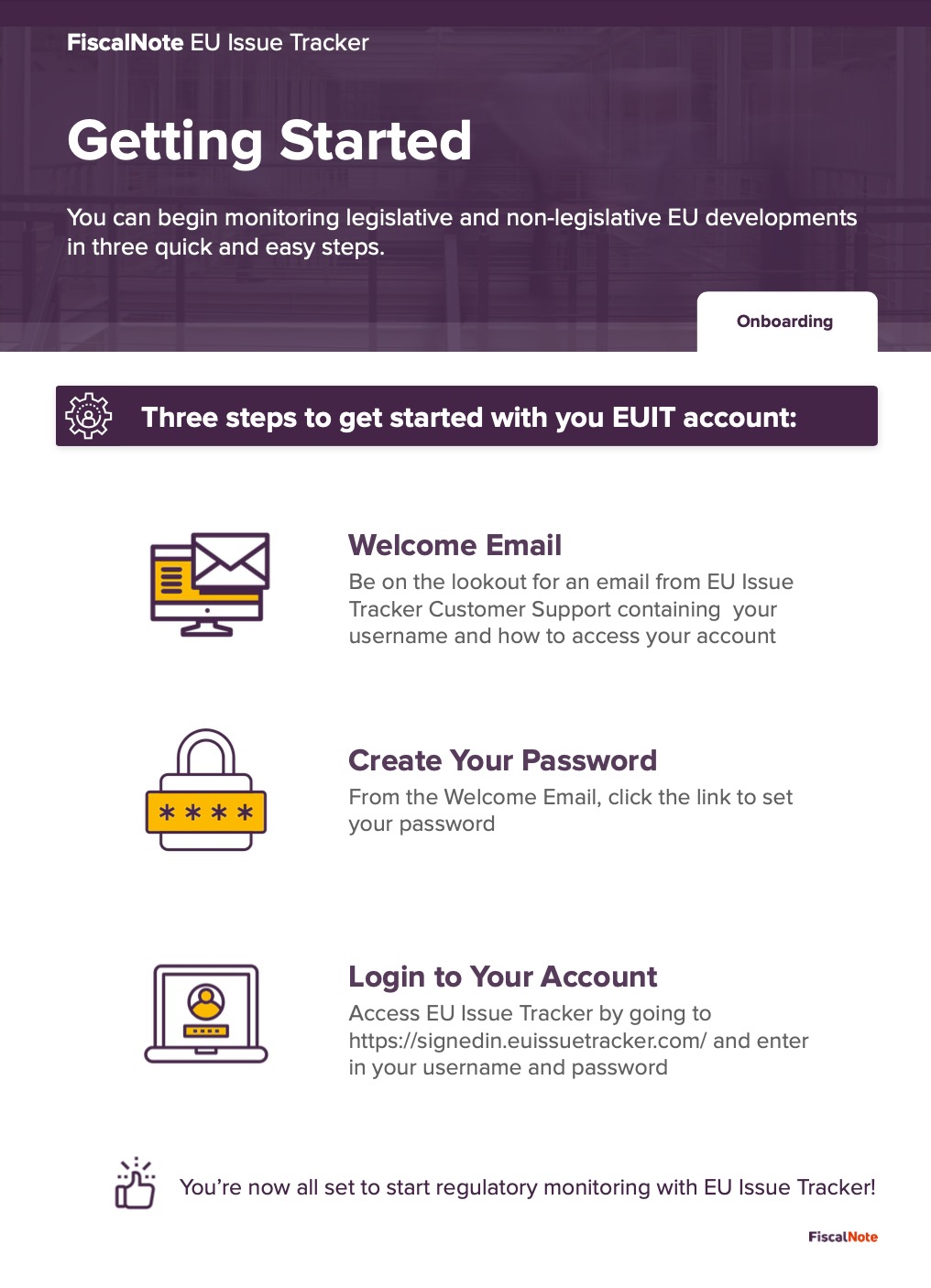
Welcome to EU Issue Tracker! We're excited to have you onboard! Walk through the steps listed below to get logged into your EUIT account.
Be on the lookout for an email from the EU Issue Tracker Customer Support team that will contain the link to the platform and your login information.
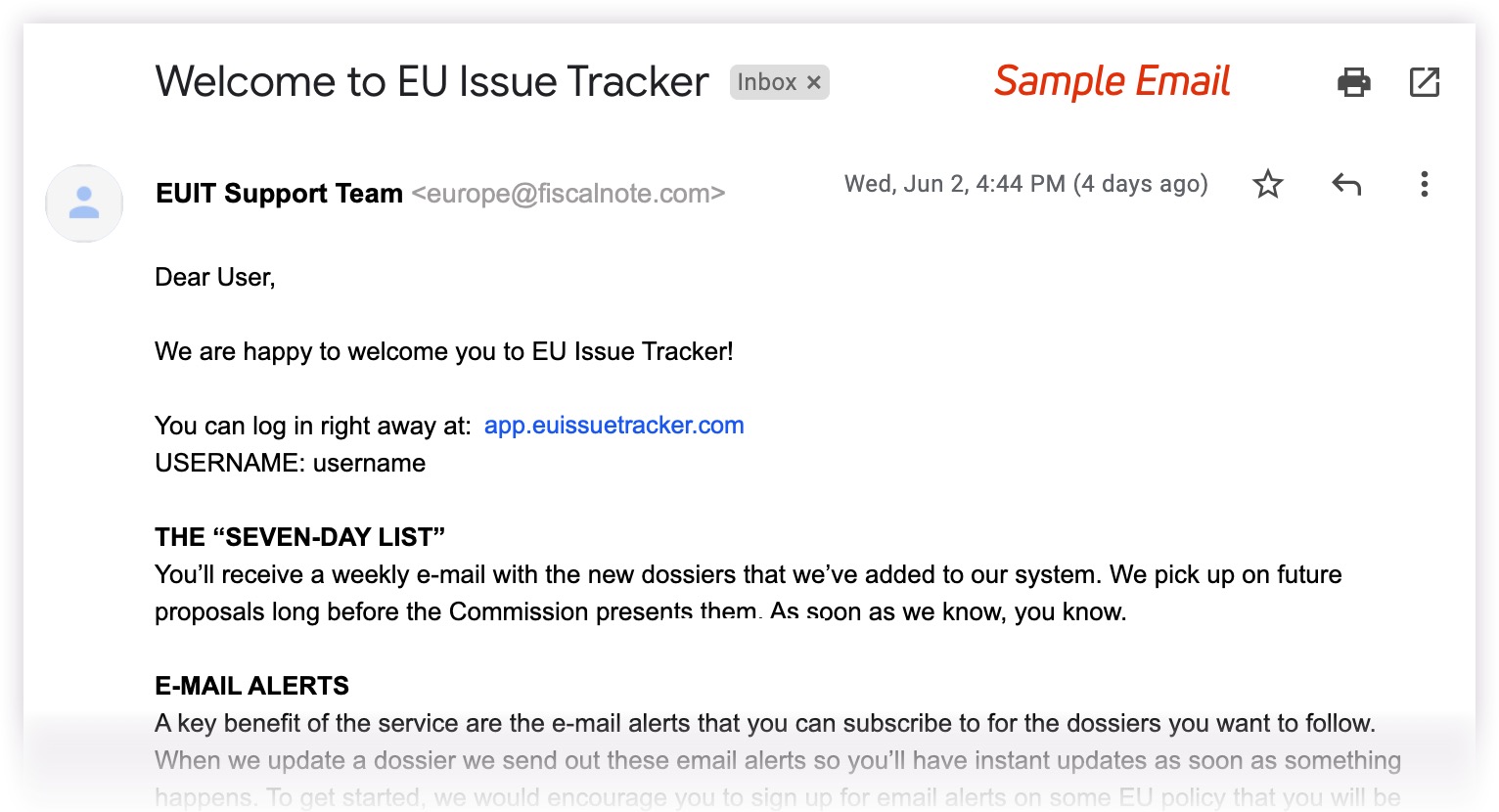
Sample Email
As we have improved security with the refreshed look of the platform, you will need to click the "Forgot Password" link when on the site to create a new password.
Once completed, you will now have access to begin browsing/searching for dossiers and documents to monitor!
1-Pager (download)
Comments
Article is closed for comments.